🍩 How MoD works
Triage pull requests like you're doomscrolling. One PR per screen. Swipe to act.
- Swipe rightApprove the PR
- Swipe leftRequest changes (comment required)
- Swipe upLeave a comment
- Swipe downSkip to the next PR
- TapView the diff
- Long pressOpen on GitHub
Tips
- Self-authored PRs show a 🔒 — you can't approve your own
- On desktop, click-drag works like swipe
- Pull down on the feed to refresh
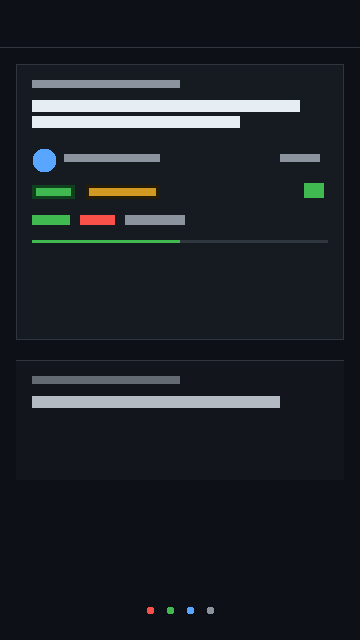
Your PR feed
All open PRs in one stack — CI status, review state, and age at a glance. Swipe to triage.
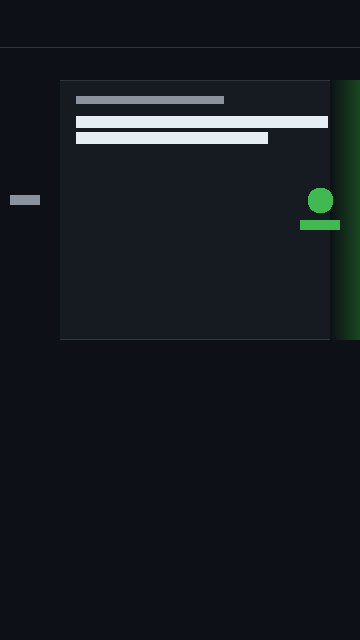
Swipe to approve
Drag a card right to approve. Left for changes. Up for a comment. Down to skip.
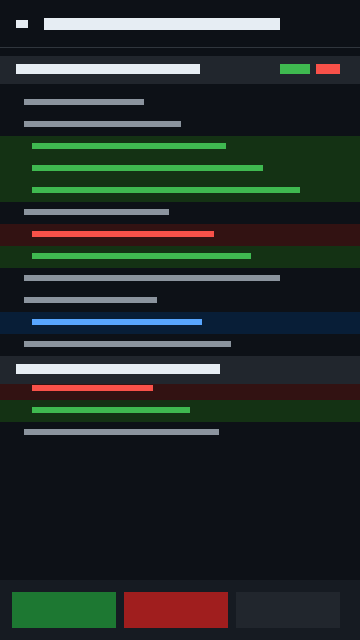
Inline diff view
Tap any card to see the full diff with syntax highlighting. Review and act from the same screen.
What you get
- All your open PRs in one feed — reviews, authored, mentioned, assigned
- Inline diff view with syntax highlighting
- CI status, review state, merge conflicts at a glance
- Works offline — installs as a PWA on your home screen
- Dark mode by default, light mode if you must
Your token is encrypted with AES-256-GCM and never leaves your device.
No server. No telemetry. No accounts. Only talks to api.github.com.
View source on GitHub
No server. No telemetry. No accounts. Only talks to api.github.com.
View source on GitHub